
ERA Wallet · Companion app
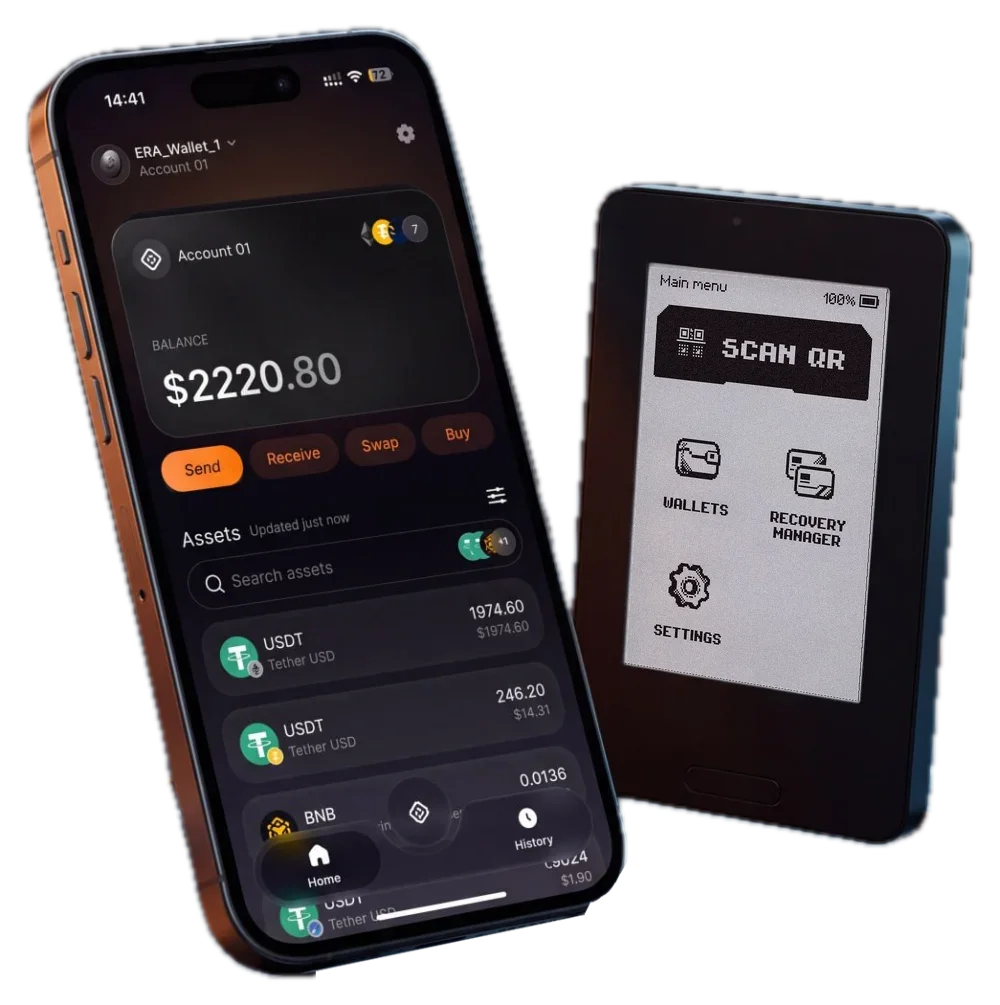
The ERA Wallet app.
Out now.
Balances, history, swaps and dApp connections on your phone — every signature still happens on the wallet, offline. Get it from the App Store on iPhone or Google Play on Android.
iOS 16+ · Android 12+ · NFC and camera required
The App Store lists the app as “ERA-Wallet”, with a hyphen.
Google Play lists the app as “ERA Wallet”.
On a computer? Scan with your phone.


What happens next
Three steps. Keys stay put.
Updates arrive through the App Store and Google Play — keep automatic updates on so fixes reach you as they ship. Found something? Tell us through the contact page.